
Importing conversions
Import is for conversions that did not arrive by postback: the network did not set one up, the postback did not get through, or you need to load history. Conversions come from the network’s account and are loaded from a file or entered by hand.
Open “Conversion import” (/dashboard/conversions/import). There are two tabs: “CSV Import” and “Manual Entry”.
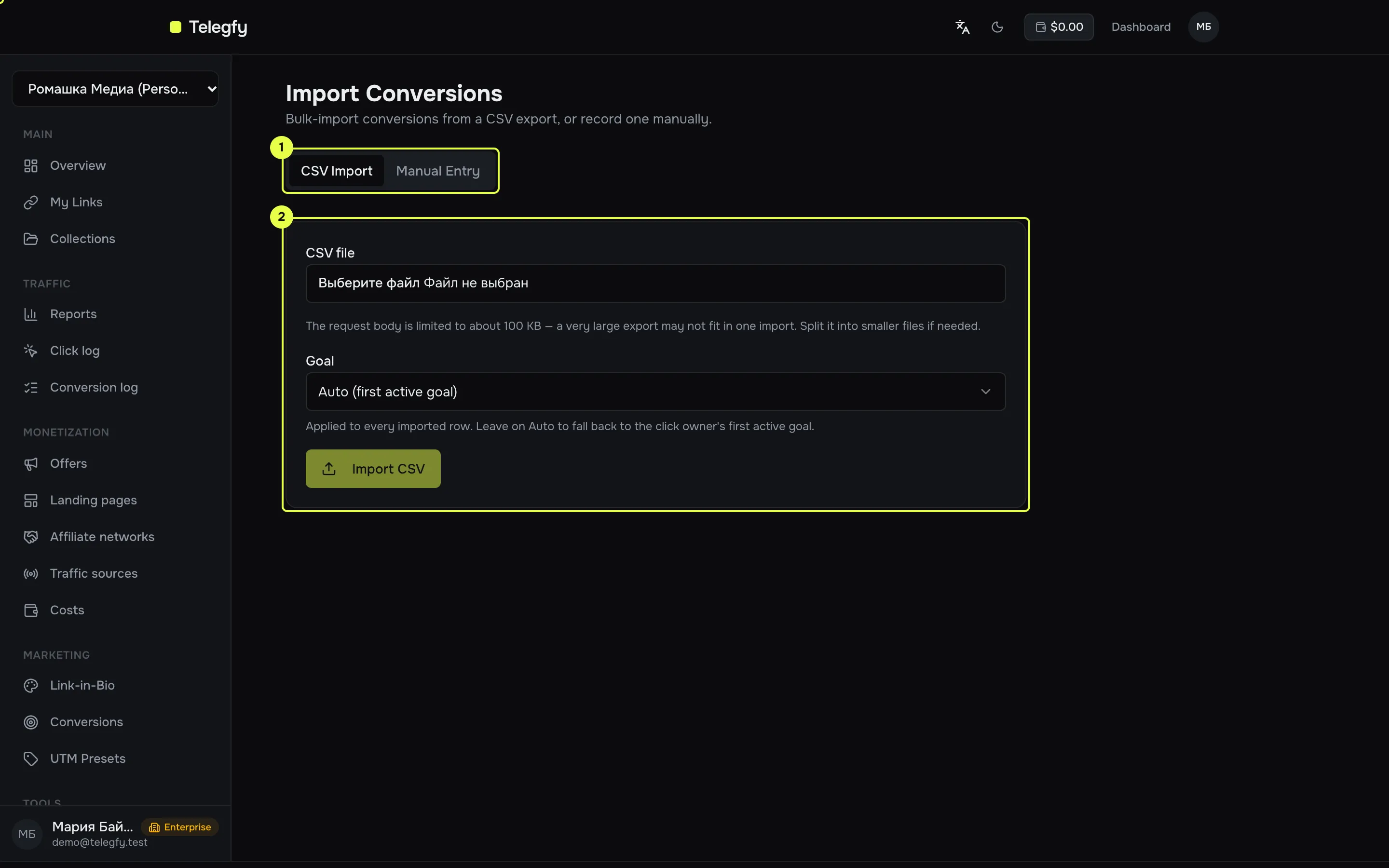
- The tabs: CSV Import and Manual Entry.
- The file upload area on the CSV tab.
CSV file
Section titled “CSV file”The first row is required and holds the headers. Column order does not matter. Unknown columns are ignored. Header names are not case-sensitive, and punctuation is ignored.
| What | Accepted headers | Required |
|---|---|---|
| Click id | subid, sub_id, click_id, clickid, click_token, “Click ID” |
Yes |
| Status | status — lead, sale, rejected, rebill or upsell |
No (default lead) |
| Payout | payout, revenue, amount |
No |
| Currency | currency, payout_currency |
No |
| Transaction ID | tid, external_id, conversion_id |
Recommended |
| Date | date, converted_at, event_date |
No |
Example:
subid,status,payout,currency,tid,date3f6c2a10-8e1b-4d2f-9a51-0b7c2e9d4f11,sale,25.5,USD,ORD-1001,2026-10-10 14:327a1d9e44-2c0b-4f8e-b3a6-5e2d1c9f0a22,rejected,0,USD,ORD-1002,2026-10-10 15:05A row with a status outside the list is rejected. The import report gives the reason.
What happens to each row
Section titled “What happens to each row”The import report gives a result for every row:
| Result | Meaning |
|---|---|
accepted |
The conversion was recorded. |
updated |
A conversion with the same tid was found, and its status or payout was updated. |
duplicate |
An exact repeat. Nothing changed. |
rejected |
The row failed validation, for example an unknown status or a click id that is not a UUID. |
Deduplication works the same way as for postbacks: the key is the pair (goal, tid). The conversion goes to the default goal unless the import names another. You can import only clicks from your own workspace.
Manual entry
Section titled “Manual entry”On the “Manual Entry” tab, fill in one conversion: click id, status (lead by default), payout, currency, transaction ID, date and goal. The “Goal” field defaults to the first active goal.
“Record Conversion” saves the row. “Import CSV” loads the whole file.
Limits
Section titled “Limits”- The request body is about 100 KB. Split a large file into parts.
- Import runs the same logic as a postback. That means outgoing postbacks to sources and CAPI sends are triggered too.
Common mistakes
Section titled “Common mistakes”- A click id that is not a UUID. Telegfy accepts only its own click id. An ID from the network’s account will not match, unless it equals our
subid. - Decimal separator in the amount. Both a dot and a comma work:
10,5and10.5are 10.5. If the amount has both (1,000.50), the comma is treated as a thousands separator. - An unknown status. Only our five statuses are accepted. Translate the network’s statuses beforehand, for example
approvedtosale.
Automation
Section titled “Automation”The same import is available through the API (POST /api/v1/conversions/import) with the conversions:write scope. For regular loads, use the API rather than a manual file.
Read next
Section titled “Read next”- Incoming postbacks: the main way to receive conversions.
- Goals: which goal the imported conversions go to.