
Dashboards
A dashboard is a page of widgets built around one question, for example “clicks and top links for Facebook campaigns this week”. Reports answer any question as a table. A dashboard is a picture you can share with the team or a client by link.
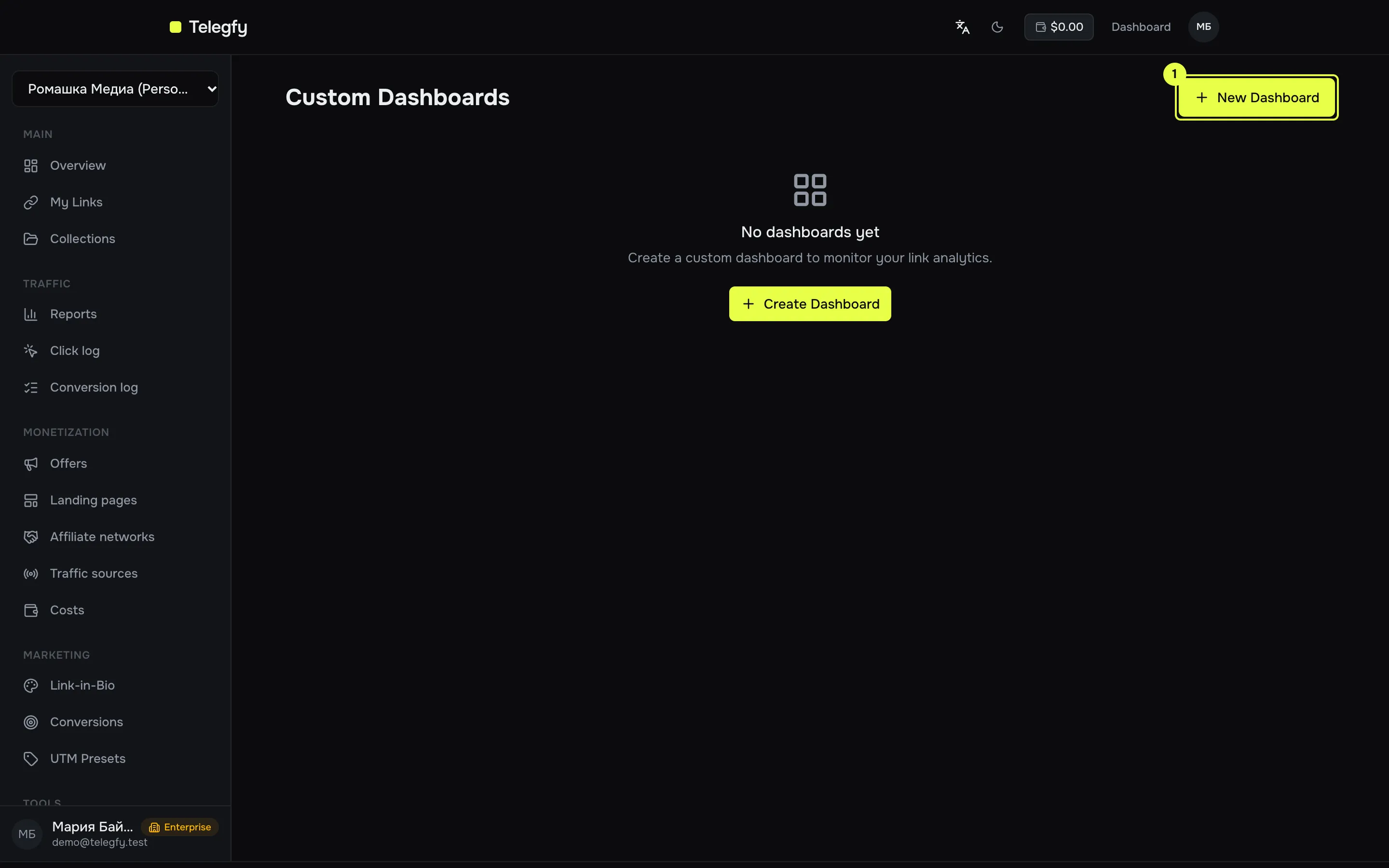
- New Dashboard — create with a name, description, layout (grid or list) and a public flag.
Widgets
Section titled “Widgets”| Type | Shows | Needs a link |
|---|---|---|
| Summary | Click totals | yes |
| Time Series | Clicks over time | yes |
| Referrers | Referrers | yes |
| Devices | Devices, browsers, OS | yes |
| Geographic | Countries | yes |
| Heatmap | Click distribution | yes |
| Top Links | Top links in the workspace | no |
| Recent Clicks | Latest N clicks in the workspace | no |
How widgets are configured
Section titled “How widgets are configured”- In the UI a widget takes a title, a type and a link code. Link-based widgets use the first link in the list.
- Default period: 30 days for link-based widgets and 7 days for Top Links. The period and granularity cannot be changed in the UI.
- Top Links and Recent Clicks use data from the whole workspace. A restricted member sees only their own links there.
Public dashboard
Section titled “Public dashboard”Turn on “Make dashboard public” and a link of the form /shared/dashboard/<token> appears. Anyone with it can open the dashboard without signing in. “Copy Link” copies it. Turning publicity off disables the link. Regenerating the token makes the old link stop working.
A public dashboard runs with the author’s permissions: its widgets show only what the author can see. If the author has hidden financials or is limited to their own links or collections, the public version shows the same. If the author has left the workspace or been removed, the public link returns 404.
Access
Section titled “Access”A restricted member sees only their own and allowed links in a dashboard, the same as in reports. See buyer access.
Dashboard endpoints work only with a user session (JWT), not API keys. A public dashboard is served by GET /api/v1/dashboards/shared/:shareToken.